A Comprehensive Guide to Drupal Content Migration
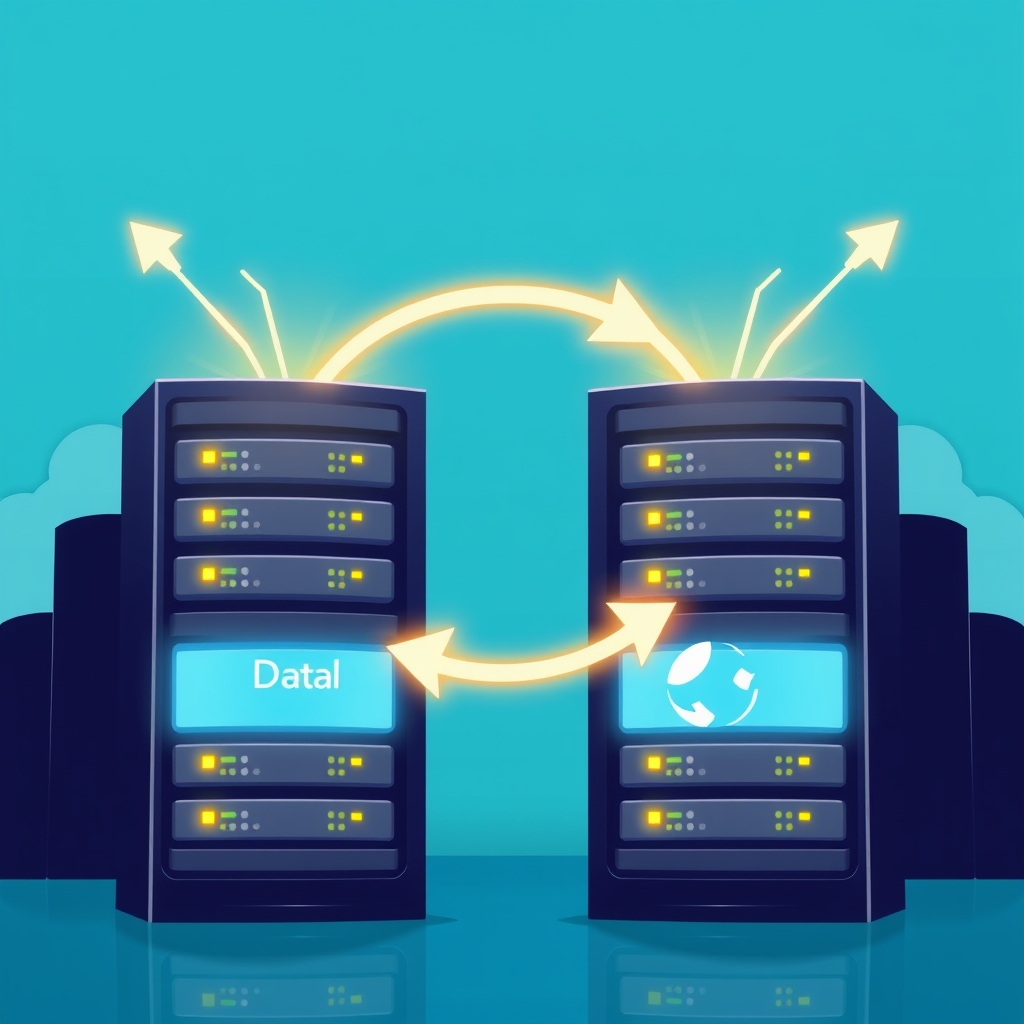
Introduction Drupal content migration is the process of transferring data, files, and configuration from one Drupal installation to another, often when upgrading to a newer version or moving to a different hosting environment. This operation requires careful planning to preserve site functionality, user experience, and SEO rankings. In this guide, we explore the essential steps, best practices, and common pitfalls associated with migrating content within the Drupal ecosystem. What is Drupal Content Migration? Defining Drupal content migration involves understanding the scope of data that must be moved, including nodes, taxonomy terms, user accounts, and custom fields.
Each element may have unique dependencies, such as referenced media or custom modules, which need to be accounted for. A clear definition helps establish boundaries, ensuring that all critical components are included while avoiding unnecessary data transfer. Why Migrate? Organizations choose to migrate Drupal content for several strategic reasons. Upgrading to a newer Drupal version provides security patches, performance improvements, and access to modern features. Additionally, consolidating multiple sites, restructuring information architecture, or moving to a cloud platform can drive the need for migration. Understanding these motivations helps align the project with business objectives.
Benefits of Migration A successful migration can yield significant benefits, including reduced maintenance costs, improved site speed, and enhanced user experience. By leveraging newer Drupal capabilities, organizations can implement advanced personalization, better content management workflows, and more robust analytics. These gains contribute to higher engagement and ultimately support broader digital transformation goals for the organization. Planning the Migration Effective planning is the cornerstone of any Drupal content migration project. It begins with assembling a cross‑functional team that includes developers, content editors, and stakeholders from marketing and IT.
The team should define clear objectives, establish a realistic timeline, and allocate resources for testing and contingency. A well‑structured plan minimizes disruptions and ensures alignment with business priorities. Assessing the Current Site Before initiating migration, a thorough assessment of the existing Drupal site is essential. This inventory should catalog all content types, custom modules, and any integrations with external systems. Identifying deprecated functionality or unsupported modules early allows the team to decide whether to replace, refactor, or exclude them, preventing unexpected failures after the move.
Defining Migration Scope Defining the migration scope involves deciding which data elements will be transferred and which will be archived or omitted. Scope decisions should be documented and communicated to all stakeholders to manage expectations. Including too many items can extend the project timeline, while excluding critical content may compromise site integrity during the migration. Choosing Migration Tools Selecting appropriate migration tools is a critical step that influences both efficiency and risk. Drupal provides built‑in modules such as Migrate and Migrate Drupal, which are suitable for straightforward upgrades.
For complex transformations, third‑party solutions like Acquia Migrate, Litmos, or custom scripts may be required to handle data mapping, content restructuring, and media migration effectively. Native vs Third-Party Tools Native Drupal modules offer tight integration with the core system, reducing the need for external dependencies and simplifying version upgrades. However, they may lack flexibility for non‑standard content models. Third‑party tools often provide richer features, such as visual mapping interfaces and automated testing, but they can introduce additional licensing costs and require specialized expertise to implement.
Executing the Migration The execution phase involves running migration scripts, monitoring progress, and addressing errors in real time. It is advisable to perform a dry run on a staging environment before applying changes to the live site. During execution, maintain detailed logs and backup snapshots to enable quick rollback if issues arise, ensuring business continuity. Data Mapping and Transformation Data mapping translates source content into the destination schema, aligning fields, content types, and relationships. This process may involve transforming dates, converting custom field values, or merging duplicate records.
Accurate mapping preserves information integrity and prevents broken links or missing content after migration, ensuring a seamless transition for users throughout the migration. Testing and Validation After migration, comprehensive testing verifies that all content appears correctly, links function, and performance meets expectations. Automated tests can check for broken references, while manual review ensures visual consistency. Validation should include user acceptance testing to confirm that workflows and permissions align with the intended site behavior in the new environment. Post-Migration Optimization Once the site is live, focus shifts to optimization and ongoing maintenance.
This includes monitoring page load times, updating Drupal modules, and refining SEO metadata. Collecting user feedback and analytics helps identify areas for improvement, ensuring the migrated site continues to meet business goals and user expectations for sustained success. Common Challenges and Solutions Common challenges during Drupal content migration include data loss, broken references, and performance degradation. Data loss often stems from incomplete backups or mapping errors, while broken references can occur when content types or fields are renamed. Performance issues may arise from inefficient migration scripts or insufficient server resources.
Addressing these challenges requires rigorous testing, incremental migration, and adequate hardware provisioning. Security and Compliance Security and compliance are critical considerations during Drupal content migration. Ensure that data transfers are encrypted, either via SSL/TLS or secure file transfer protocols. Verify that user permissions and role assignments are accurately migrated to prevent unauthorized access. Additionally, comply with relevant regulations such as GDPR or HIPAA by handling personal data appropriately and maintaining audit trails throughout the process. Future-Proofing Your Drupal Site To future‑proof the migrated Drupal site, adopt a modular architecture and leverage contributed modules that receive regular updates.
Implement a version control system for custom code to facilitate rollbacks and collaborative development. Regularly review and refactor legacy content to improve SEO and user experience, ensuring the site remains adaptable to evolving business needs and technological advancements. Training and Documentation Providing comprehensive training for content editors and administrators is essential for the long‑term success of the migration. Create clear documentation that outlines new workflows, module usage, and troubleshooting steps. Regular training sessions and updated user manuals reduce the learning curve and empower teams to manage the site efficiently after the transition.
Conclusion In conclusion, Drupal content migration is a multifaceted process that demands careful planning, thorough assessment, and precise execution. By following established best practices, leveraging appropriate tools, and committing to rigorous testing, organizations can achieve a smooth transition that preserves site integrity and unlocks the benefits of modern Drupal features. Successful migration ultimately supports long‑term digital growth and operational efficiency.