Mastering Drupal Integration and Third-Party API Development
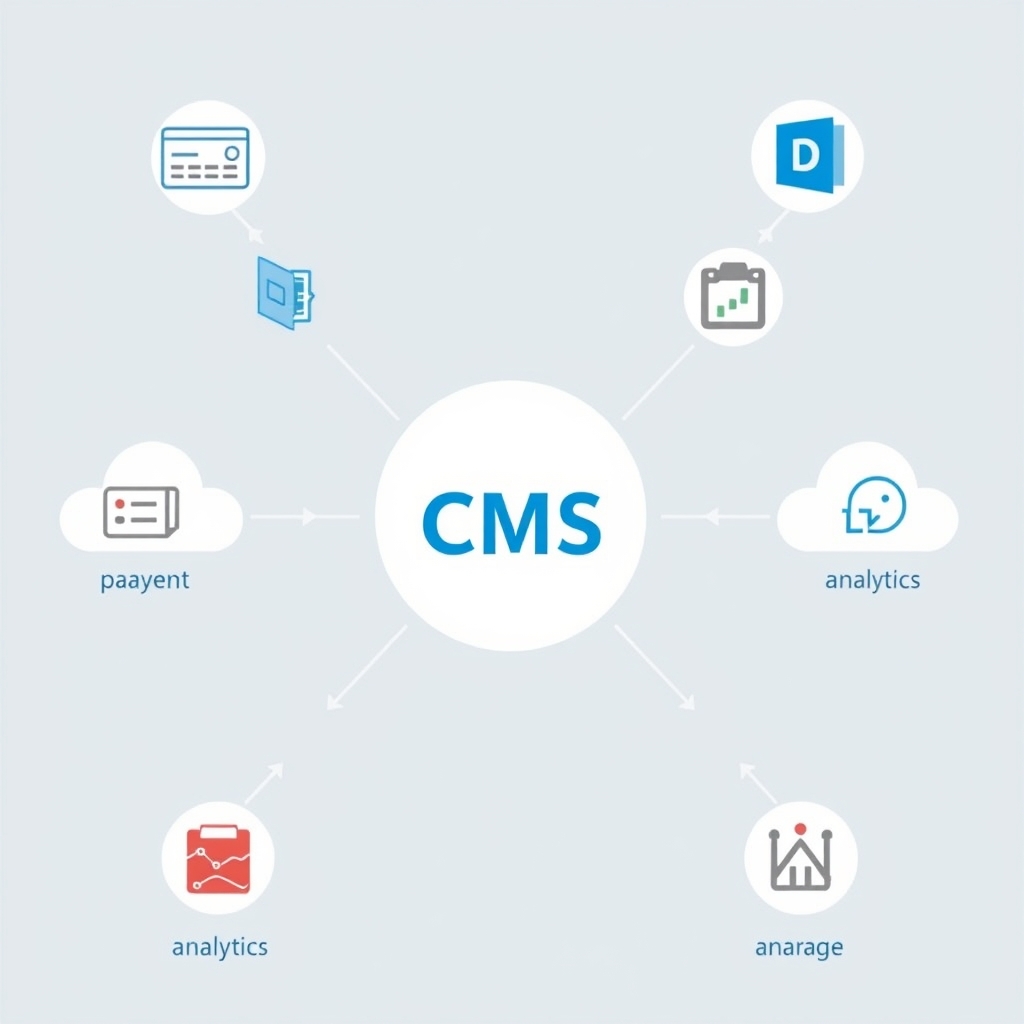
Introduction Drupal is a powerful open-source content management system that powers millions of websites. When a site needs to interact with external services, such as payment gateways, social media platforms, or cloud storage, developers must implement reliable integration. This article explores the process of Drupal integration and third-party API development, providing practical steps and best practices. Why Drupal Integration Matters Modern web applications rarely operate in isolation. Integrating Drupal with external APIs enables features like real-time data synchronization, enhanced user experiences, and expanded functionality.
For example, an e-commerce site might connect to a shipping carrier API to calculate rates, while a news portal could pull headlines from a wire service. These connections transform a static CMS into a dynamic ecosystem. This integration capability is essential for businesses seeking to differentiate themselves in competitive markets. Understanding Third-Party APIs Third-party APIs are interfaces provided by external services that allow programs to request data or perform actions. They typically follow RESTful or GraphQL standards, returning JSON or XML payloads. Developers must understand endpoint documentation, rate limits, and authentication mechanisms before building any integration.
Data Validation and Sanitization Ensuring that data exchanged with external APIs meets Drupal's expectations is critical. Validate incoming payloads against defined schemas, check required fields, and enforce data types. Use Drupal's validation API to reject malformed requests. Sanitize strings to prevent XSS, and convert numeric values to appropriate formats. Proper validation protects the integrity of your content and user experience. Planning the Integration Before writing code, define the integration goals. Identify which data needs to be exchanged, how often, and in what direction. Create a mapping between Drupal entities and API resources. Consider error scenarios and fallback strategies.
A clear plan reduces development time and prevents costly revisions later. Involve stakeholders early to align technical and business objectives. Choosing the Right API Selecting an API involves evaluating reliability, documentation, pricing, and support. Open APIs with generous free tiers are ideal for prototyping, while commercial APIs may offer guaranteed uptime. Review community feedback and check for SDKs in PHP, the language Drupal uses, to simplify implementation. Authentication and Security Most APIs require authentication to verify identity. Common methods include API keys, OAuth 2.0, and JWT tokens. Store credentials securely using Drupal's configuration system, and avoid hardcoding them in code.
Implement HTTPS for all communications and validate incoming webhook signatures to prevent spoofing. Security Hardening Beyond basic authentication, apply additional layers of protection. Enforce IP whitelisting where possible, use rate limiting to thwart brute force attacks, and implement Content Security Policy headers for any embedded resources. Regularly audit third-party providers for security compliance. Consider encrypting sensitive data at rest using Drupal's encryption API, and rotate keys periodically. Monitoring for suspicious activity with intrusion detection systems further reduces risk. Building Custom Modules In Drupal, custom modules are the standard way to extend functionality.
Create a module with a .info.yml file and a PHP class that implements the required hooks. Use Drupal's HTTP client service to send requests, and process responses with the Serialization module. Encapsulate API logic in service classes to keep code organized and testable. Using Drupal Core APIs Leverage Drupal's built-in capabilities when possible. The Entity API allows you to create custom content types that mirror external data, while the Queue API can handle background synchronization. The State API stores temporary tokens, and the Logger API records API interactions for debugging.
Handling Data Mapping and Transformation Data from external sources often differs in structure from Drupal's expectations. Write conversion functions to map fields, handle missing values, and format dates correctly. Use Drupal's String and Text utilities to sanitize input, preventing injection attacks. Error Handling and Retry Logic Network issues, rate limits, and server errors are inevitable. Implement try-catch blocks, check response status codes, and log failures. For transient errors, schedule retries with exponential backoff. Drupal's Cron system can trigger periodic retries without user intervention. Logging and Monitoring Comprehensive logging helps diagnose issues and audit API interactions.
Record request URLs, payloads, response codes, and timestamps using Drupal's Logger API. Implement monitoring dashboards that track error rates, latency, and quota usage. Set up alerts for sudden spikes in failures, enabling rapid response. Effective monitoring ensures integrations remain healthy in production. Performance Optimization Frequent API calls can slow down a site. Cache responses using Drupal's Cache API or external solutions like Redis. Use pagination to limit payload size, and consider webhooks for push notifications instead of polling. Asynchronous processing with queues improves perceived performance.
Versioning and API Compatibility External APIs evolve, introducing breaking changes that can disrupt your Drupal site. Adopt versioning strategies by pinning to specific API versions in your configuration. Implement feature detection to gracefully handle missing endpoints. Maintain a changelog of API updates and schedule migrations during low-traffic periods. Proactive version management minimizes downtime. Testing and Debugging Write unit tests for each API interaction using Drupal's testing framework. Mock external services to isolate logic. Use tools like Postman or Insomnia to test endpoints manually. Enable Drupal's debug mode to trace requests and identify bottlenecks.
Documentation and Knowledge Sharing Clear documentation accelerates onboarding and reduces maintenance overhead. Document each integration's purpose, endpoints used, authentication flow, and data mapping. Include sample requests and responses. Store documentation in a shared repository, and update it alongside code changes. Well-documented integrations foster collaboration and long-term sustainability. Real-World Use Cases A university might integrate a student information system API to display course schedules. A healthcare provider could connect to a lab results service for patient dashboards. E-commerce platforms often use payment gateways, inventory systems, and marketing automation tools simultaneously.
Additionally, a media company might use a video hosting API to embed streams, while a financial institution could retrieve stock prices via a market data service. Best Practices Follow Drupal coding standards, document your code, and use version control. Keep API credentials separate from source code, and rotate keys regularly. Monitor API usage to stay within limits and avoid unexpected charges. Engage with the Drupal community for modules that simplify common integrations. Automate deployment of integration code using CI/CD pipelines to ensure consistency across environments. Conclusion Integrating Drupal with third-party APIs opens doors to richer, more connected web experiences.
By planning carefully, securing communications, and following Drupal's best practices, developers can build robust integrations that scale. Continuous testing and community collaboration ensure these systems remain reliable as technology evolves. By adhering to these strategies, teams can deliver features faster and maintain high availability.